Facebook — get notifications when RTA posts
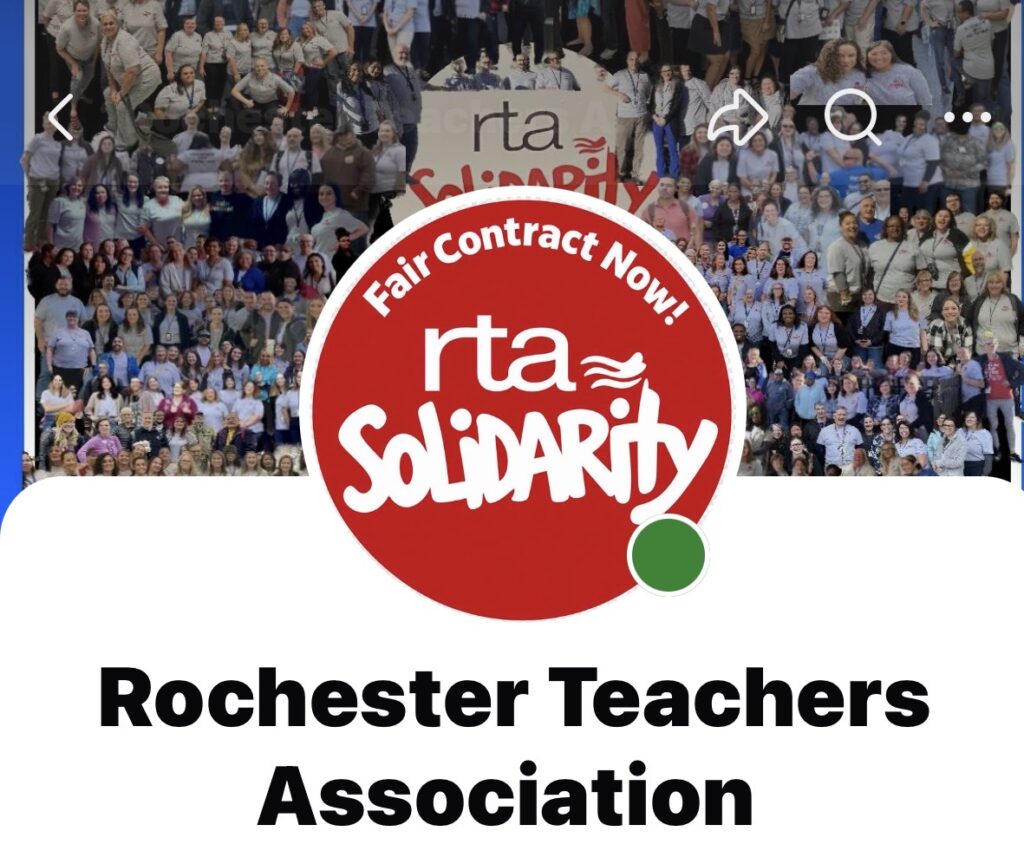
- Open the RTA Facebook Page.
- Make sure you Follow the page.
- Tap Following (sometimes under the ••• menu).
- Select Notifications or Manage notification settings.
- Under Posts, select the strongest available notification option, such as Standard or All notifications.
- Make sure Facebook notifications are also permitted in the phone’s Settings → Notifications → Facebook.
Facebook doesn’t always offer a true “notify me about absolutely every post” setting for every Page/account, so members may see slightly different choices.
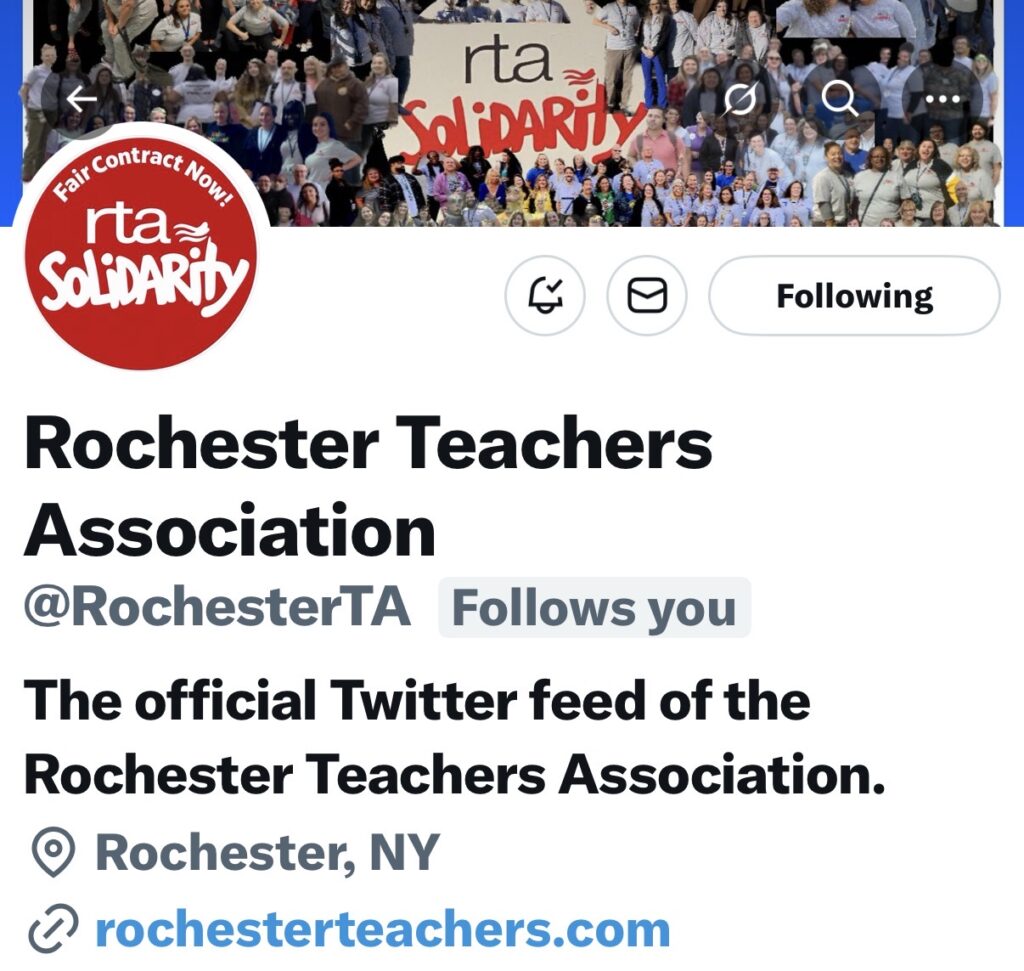
X — get notifications when RTA posts
- Open the RTA profile on X.
- Tap Follow.
- Tap the 🔔 bell next to the Following button.
- Choose All posts.
- Make sure X notifications are permitted in the phone’s Settings → Notifications → X.
Then when RTA posts, members can receive a push notification and immediately Like → Comment → Share/Repost.